 AeroNexus team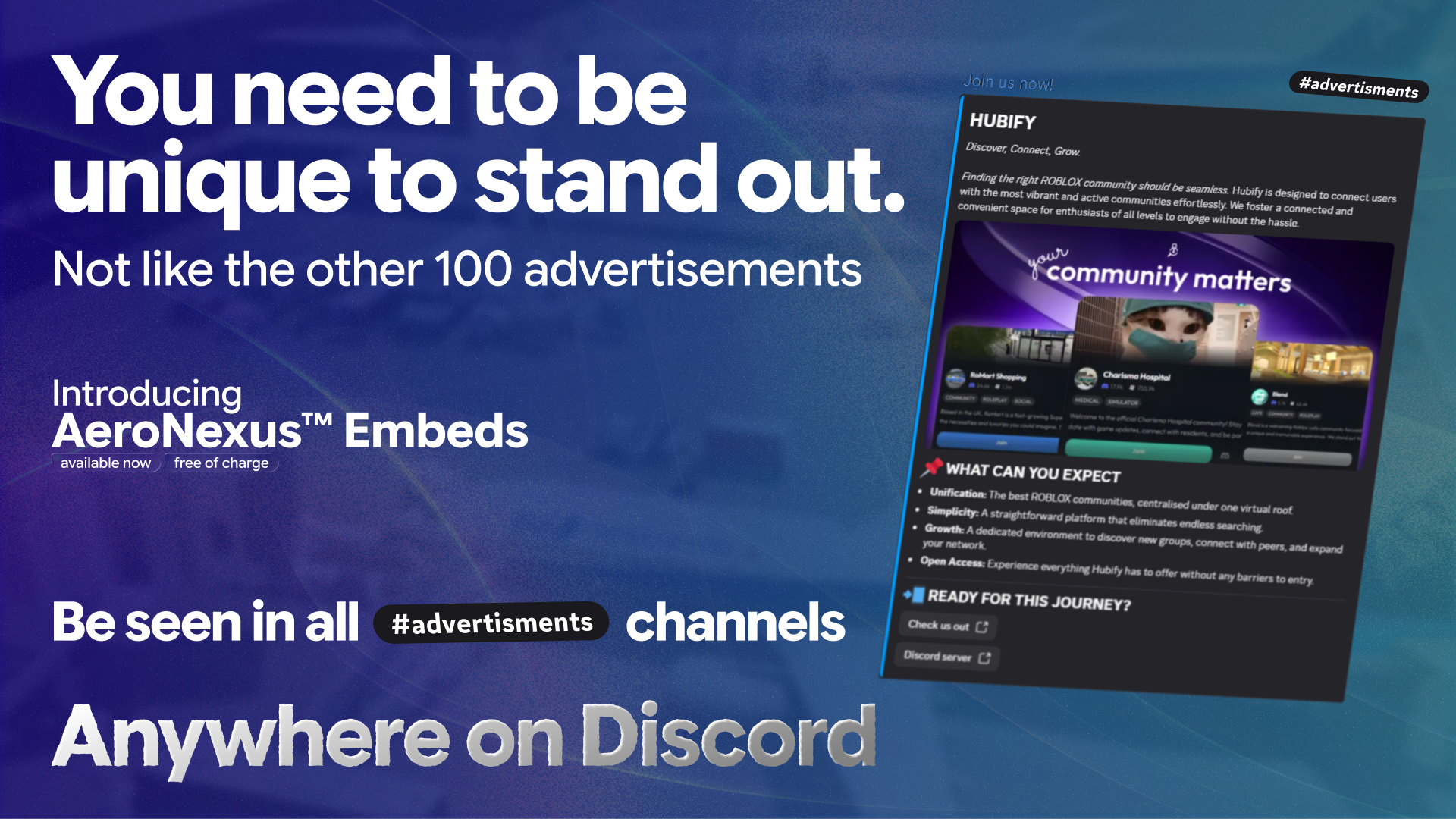
Your group's next advertisement doesn't have to be a wall of text. AeroNexus Embeds, released in v2.18.0, lets you put your message, images, and website buttons into a custom Discord link preview.
Build it in your dashboard, copy the link, and paste it into Discord where you want to share it.
Give your advertisement its own layout
Put your group's name and introduction first, follow with images, and add buttons for your website or Discord invite. You choose how the pieces fit together, with a live Discord preview as you edit.
- Format your text with Discord markdown.
- Add a large image, a thumbnail beside your text, or a gallery.
- Use separators to give each part of your message room.
- Add website buttons and choose an accent color to match your group.
Advertisements are one use. You can also build a preview for a community announcement, an event, or a product update.
See what other groups have made
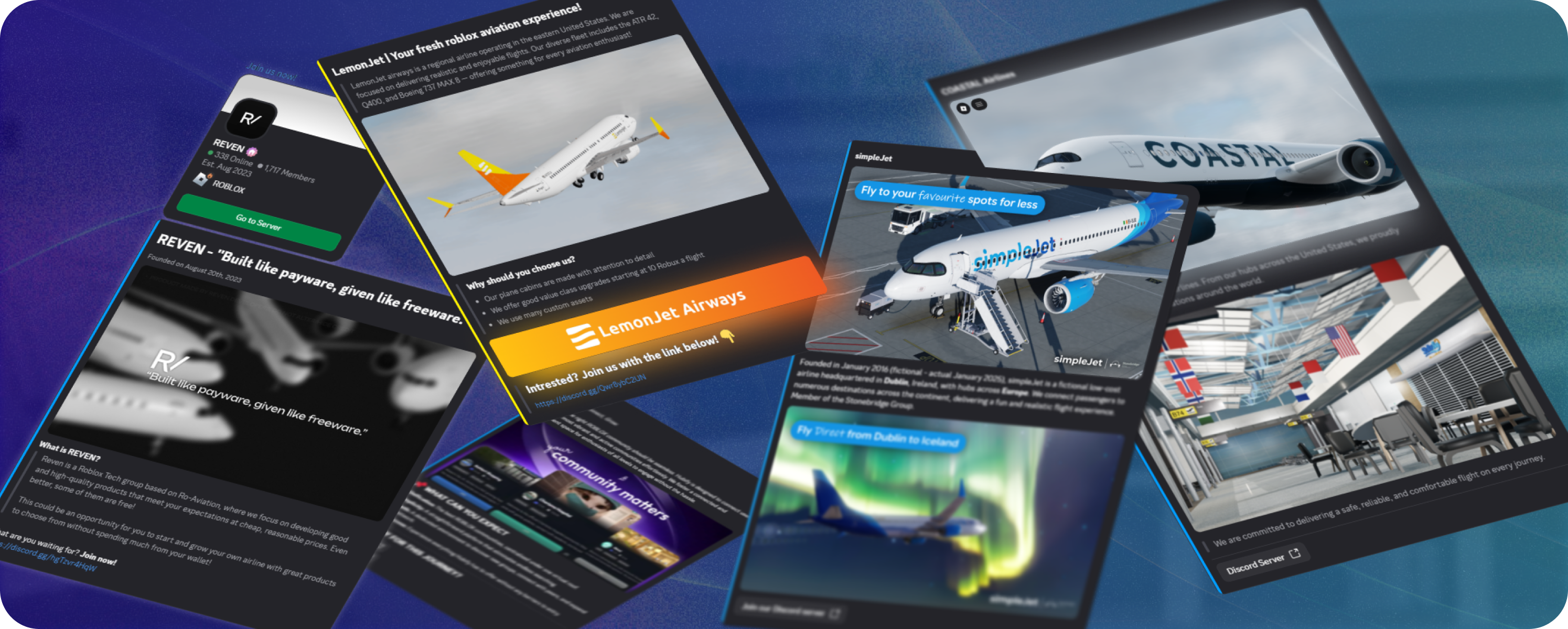
Reven, LemonJet, Hubify, simpleJet, COASTAL, eliin air, and envision. have already used AeroNexus Embeds in their advertisements. Here are examples from our release announcement.
Create and share your first embed
Open Discord Embeds in your dashboard to build your first preview.
- Select Create embed and give it a name.
- Add your text, images, and buttons, checking the preview as you go.
- Select Create to publish it.
- Select Copy link and paste it into your Discord message.
Publishing creates a link; it doesn't send a message for you. Discord needs permission to show link previews in the channel where you post it.
Your group needs at least one open or closed Modmail ticket before you can use the editor. If someone else manages your group's dashboard access, ask them for View Discord Embeds and Manage Discord Embeds permissions. The Embeds guide walks you through setup.
Keep the link when you make changes
You can edit a published embed without replacing its link. Change the copy, swap an image, or update a button, then select Save.
After saving, allow up to 15 seconds for the changes to become available, then send the link again. Previews in Discord messages you've already sent won't update.
Next steps
Create your first embed, or follow the sharing guide for help adding it to your advertisement.
If you get stuck or find a bug, open a support ticket in our Discord server. You can also post feature requests in the server's suggestions forum.